Stock Control
This page helps you prepare to start selling by setting up your inventory.
Navigate to Product Setup → Control Stock
The Control Stock page shows how many rooms are available to be booked.
Choose the room type you wish to view at the top of the screen.
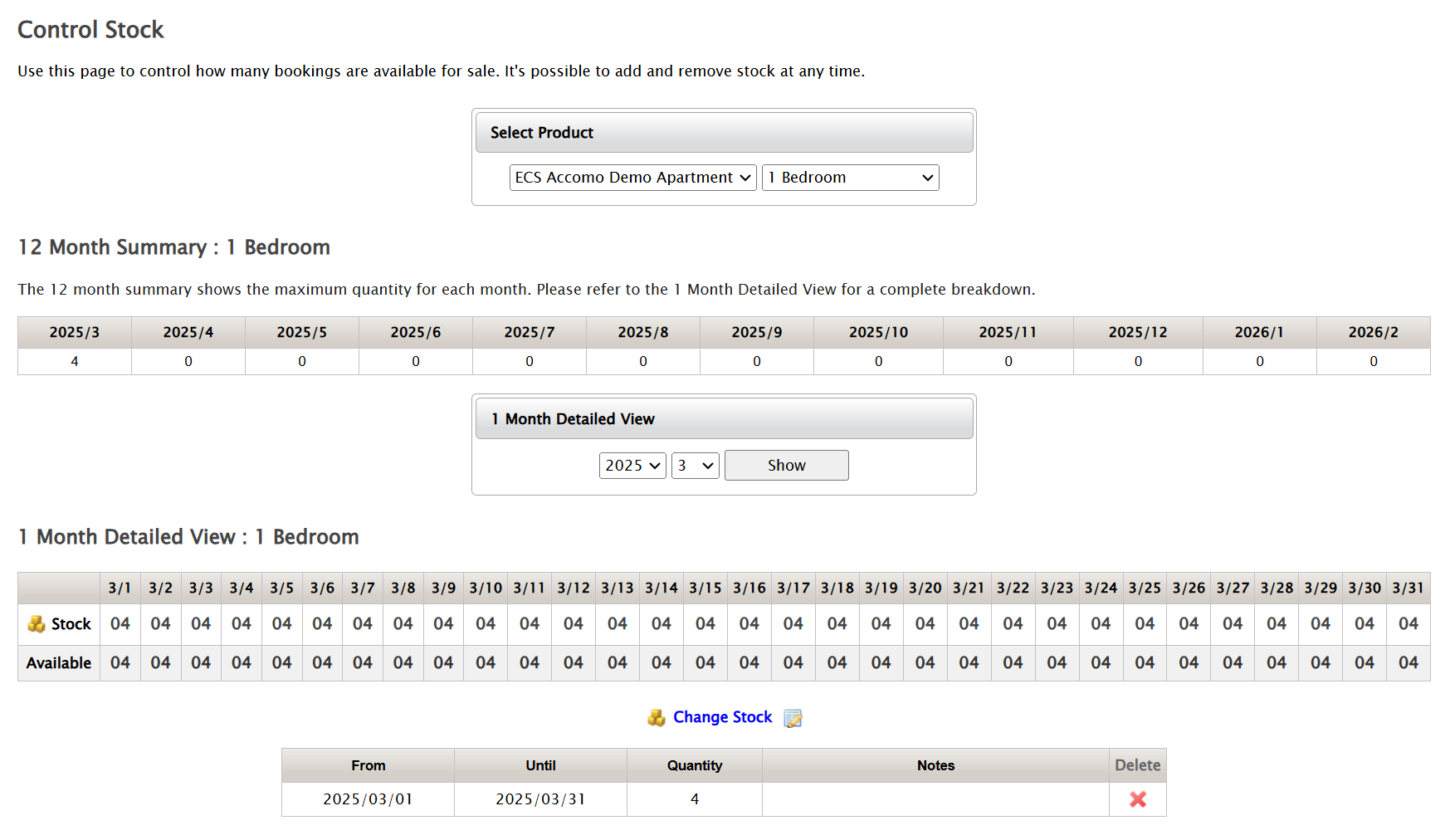
Any stock you have added to this page is available to be booked.
info
- Travel agent bookings and portal site booking requests can only be received if there is available stock.
- The number of rooms available to book will automatically decrease as bookings are made.
- The allotment feature for setting aside stock for particular agents is not available in Accommodation ECS.