Getting Started With RoomBoss
Log in to RoomBoss
Once you have your RoomBoss Id:
- Please reset your password using your Id.
- Then login with your Id and password
Check Your Account Details
The first time you log in please check your account details:
Navigate → Account → Edit Account Details
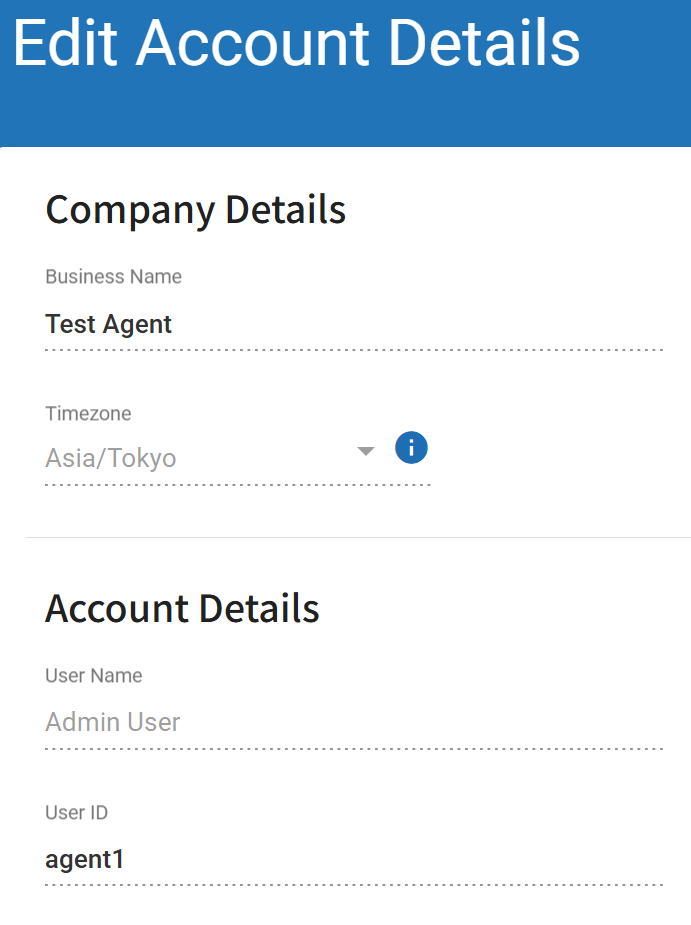
From this page you can set your user name, password, email address, telephone number and choose your preferred language for RoomBoss communications.
In RoomBoss Vendors identify you via the Business Name set up with your account and shown at the top of the page here.
info
To edit the content of Edit Account Details page, click the Edit icon in the bottom-right corner of the screen.
Once you have finished editing, click the Save icon to save your changes.
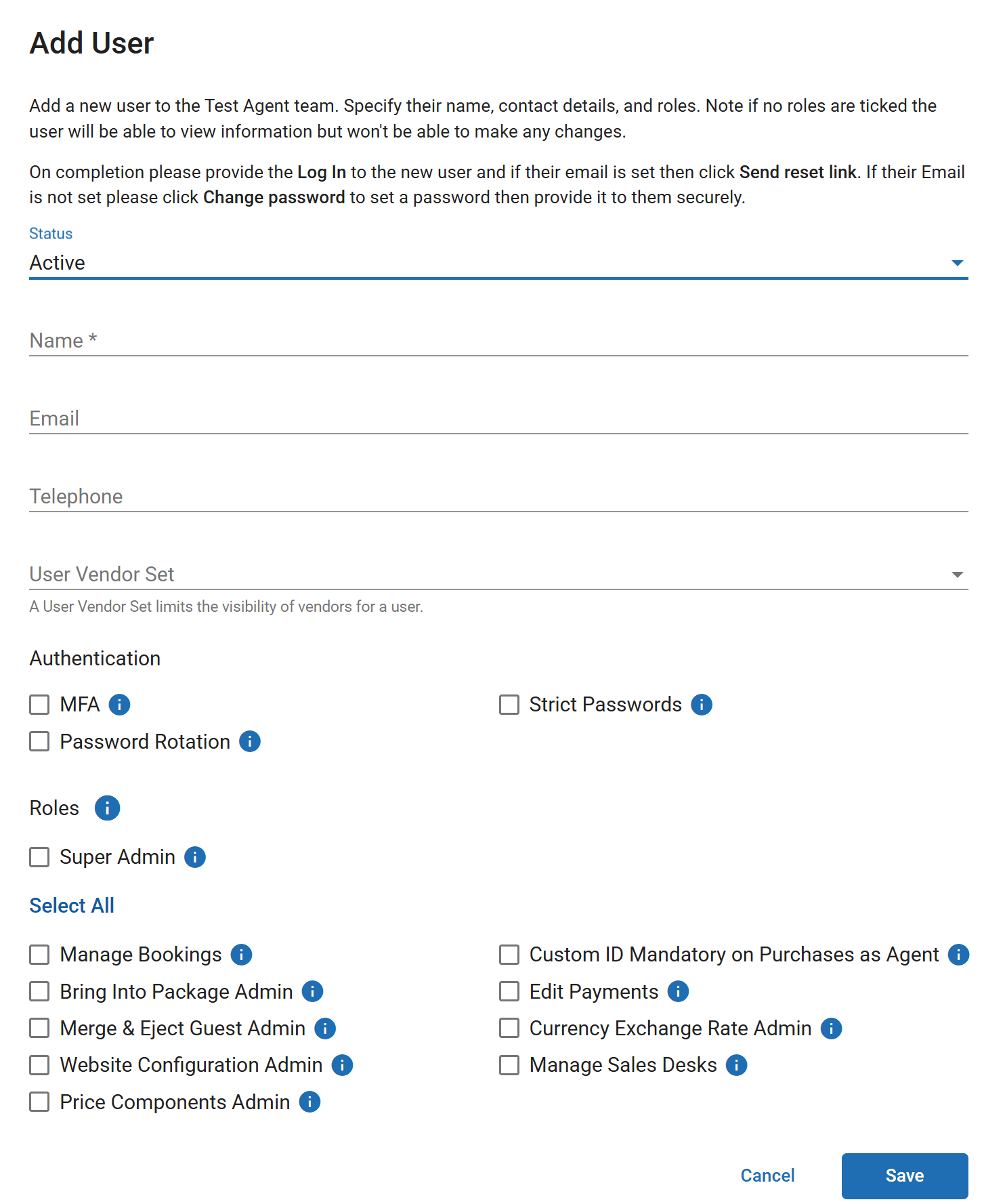
Add Other Users
We recommend all staff members who will access your account have their own login. The account master user can add and manage users via:
Navigate → Account → Users