Tags
Tags let you personalize automated emails with details from the guest's booking.
For example, you can use tags to include information such as the guest's name, booking dates, booking link, vendor name, QR code, or barcode.
RoomBoss replaces each tag with the matching booking or guest detail automatically, so you do not need to manually update the email for each guest.
To add a tag, place your cursor where the information should appear in the email, then select the tag from the editor toolbar.
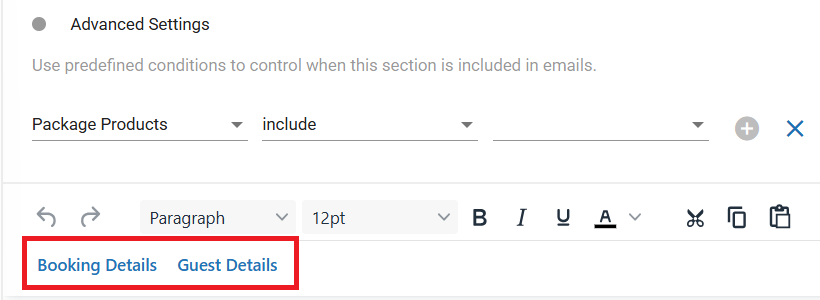
Booking Details
| Tag | Description |
|---|---|
_$bookingid$_ | Booking ID |
_$blink$_ | Booking Link URL |
_$start$_ | Check-in date |
_$end$_ | Check-out date |
_$vendor$_ | Vendor name |
_$bookingQR$_ | Booking QR code |
_$bookingBarcode$_ | Booking barcode |
Guest Details
| Tag | Description |
|---|---|
_$gfname$_ | First name of the lead guest |
_$glname$_ | Last name of the lead guest |
_$email$_ | Email address of the lead guest |
_$guestQR$_ | Guest QR code |